

Learning an Evolving Product:
Four-Step Framework
A module that teaches a simple, repeatable way to understand product updates in a fast-moving SaaS environment.
Project Overview
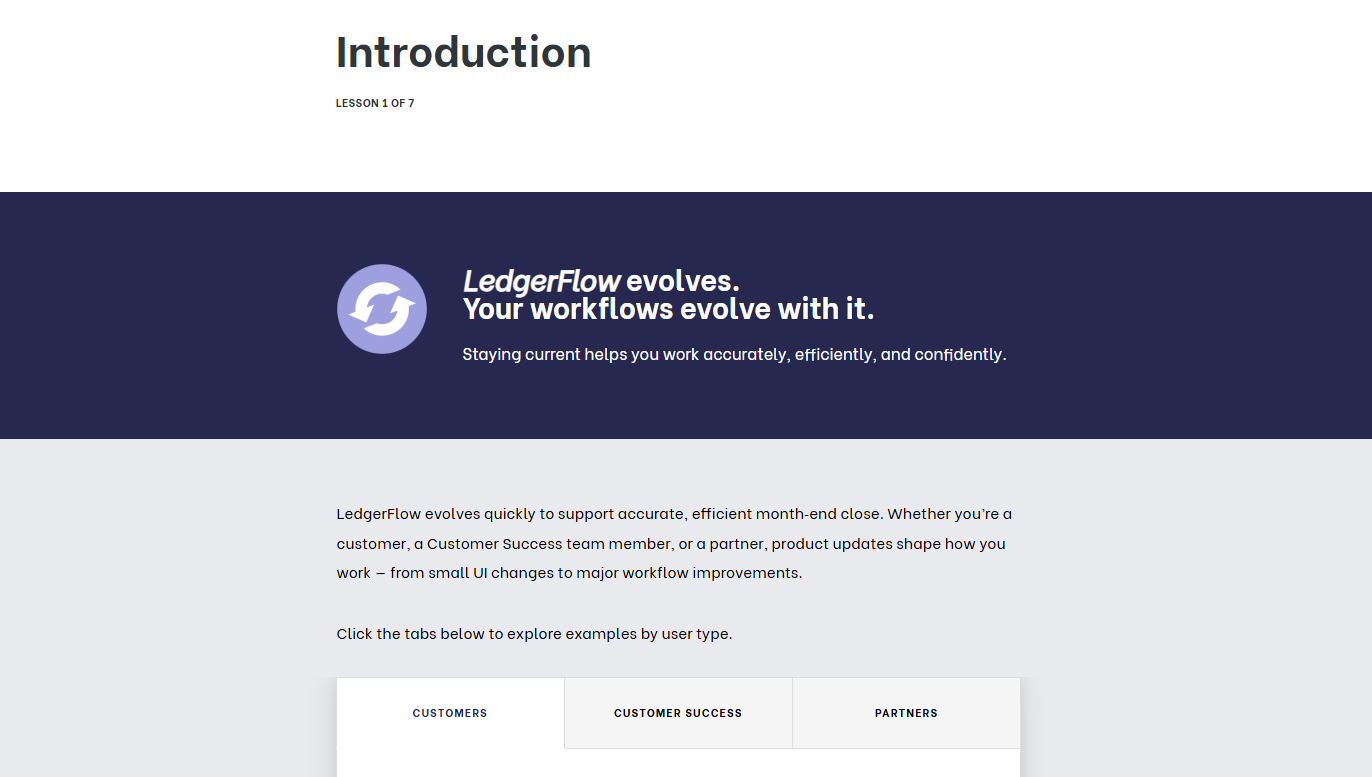
This project was designed as a practical application for a role with a fast-moving SaaS financial operations platform. I designed a self-directed microlearning module to help customers, internal support teams, and partners navigate frequent product updates with confidence and without requiring new training for every release.
Click below to see the high-level strategy behind this learning experience:
Audience
Customers, Internal Support/Success Teams, Partners
Tools Used
Articulate Rise, PowerPoint (visual mockups), Google Docs (content drafting), Copilot
Note: This project was developed independently as a portfolio piece, without a client context. I led all instructional strategy, design decisions, and development end-to-end. In a real production environment, I would partner with SMEs, product managers, and technical writers to validate content accuracy and align with release workflows.
The Challenge
LedgerFlow’s users struggled to keep up with frequent product updates, often relying on ad‑hoc communication or incomplete information. This led to confusion about workflow impact, inconsistent troubleshooting, and reduced confidence during critical accounting periods. The organization needed a scalable, update‑agnostic learning approach that empowered users to stay current without requiring a new training for every release.
The Solution
I created a microlearning module centered around a four‑step update‑learning framework:
What Changed — Plain‑language summary of the update
Why It Matters — Workflow impact and implications
How to Use It — Hands‑on exploration and in‑app guidance
Where to Learn More — Resource ecosystem and self‑service support
Learners apply the framework through a realistic scenario involving a UI and logic enhancement. They practice interpreting changes, using in‑app guidance, and selecting the right resource for their needs. The module concludes with a summative assessment that reinforces mastery and resource literacy.
My Process
Instructional Theory in Practice
This project design draws on several learning science principles:
Cognitive Load Theory: Chunked content, plain language, and a simple four‑step model reduce overwhelm.
Adult Learning Theory: Workflow‑relevant examples and problem‑centered scenarios support immediate application.
Constructivism: Learners make sense of updates through guided exploration and decision‑making.
Retrieval Practice: Formative and summative assessments reinforce retention.
Just‑In‑Time Learning: Resource ecosystem teaches learners where to find answers independently.
-
I conducted industry research on common month‑end close workflows, reconciliation practices, and the types of product updates that typically impact accounting teams. I reviewed publicly available documentation from accounting software providers, user forums, and thought‑leadership content to identify recurring pain points and update‑related challenges. This research revealed a consistent pattern: accountants struggle less with individual updates and more with understanding how changes affect their workflows. This insight led to the decision to create a reusable four‑step framework rather than update‑specific training.
-
Using the insights from analysis, I mapped clear learning objectives to interactions, scenarios, and assessments. I designed the four‑step framework as the backbone of the experience, ensuring each step aligned with how users naturally evaluate updates in their day‑to‑day work. Early content sketches, scenario outlines, and assessment ideas helped validate flow, reduce cognitive load, and ensure the module supported quick, confident comprehension.
-
I built the module in Rise 360, using visuals, hotspots, guided exploration, and scenario‑based activities to help learners practice applying the framework. I also created a consolidated job aid and a resource-selection matrix to reinforce the framework and support just-in-time learning. Throughout development, I refined examples, interactions, and language to maintain clarity and consistency.
-
Because this was a prompt‑based project, implementation was simulated. In a real environment, I would partner with SMEs, product teams, technical writers, and enablement stakeholders to validate accuracy, refine examples, and ensure alignment with release processes and user‑facing documentation.
-
I designed assessments to measure learners’ ability to apply the four‑step framework, interpret workflow changes, and locate the right resources at the right time. I also outlined a plan for analyzing learner performance and engagement data to inform future refinements and identify where additional support materials might be needed.
Reflection: Project Takeaways
Key Learnings
A reusable framework empowers learners to stay current without requiring new training for every update.
Scenario‑based learning increases confidence by mirroring real product experiences.
Resource literacy is essential — learners need to know where to find answers, not just what changed.
Even in a prompt‑based project, designing with real‑world constraints in mind ensures the solution is implementation‑ready.
Enhancement Opportunities
Add optional deep‑dive modules for more complex updates.
Create additional audience-specific scenarios by learner type for more targeted experience.
Expand the framework into a multi‑module “Learning the Product” series.
Incorporate analytics dashboards to track update‑learning trends across user groups.
Collaborate with SMEs to refine workflow accuracy and terminology alignment in a real deployment.